Convert any file, right on your iPhone
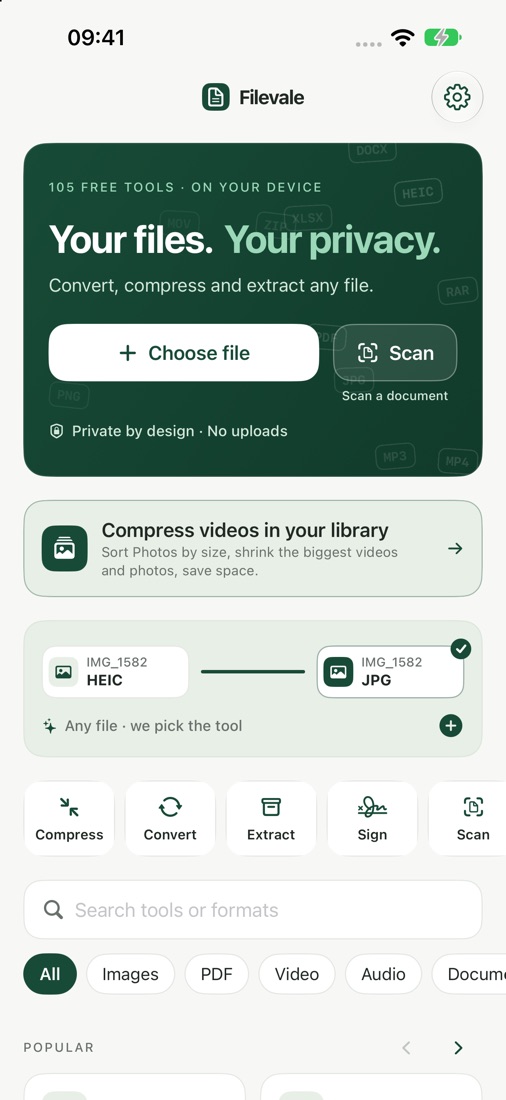
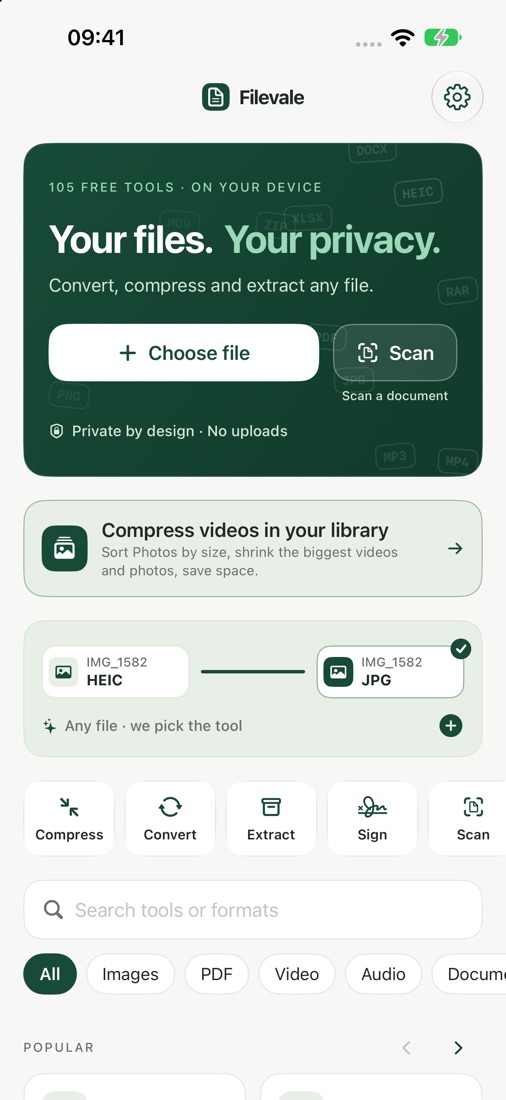
Filevale is a free on-device file toolkit and video compressor for iPhone (formerly VidZip): more than 100 tools for PDFs, document scanning with OCR, archives, images, Office documents, video and audio, and QR codes, plus an HEVC compressor for large videos in your Photos library. It's made for anyone who needs to convert, compress, sign or extract files on an iPhone without uploading them, and iPhone users running out of storage because of large videos, on iPhone. Filevale's tools are free, with no ads, no account and no watermark. Optional Filevale Pro (weekly, monthly or yearly subscription, or a one-time lifetime purchase) adds iCloud Vault, an end-to-end encrypted backup of your vault in your own iCloud, and lifts the free limits.
Filevale puts more than 100 file tools on your iPhone: convert images, edit and convert PDFs, scan documents to searchable PDFs, open and create archives, convert video and audio, make and scan QR codes, and compress the biggest videos in your Photos library with HEVC. Everything runs on your device. Nothing is uploaded.
Download on the App Storefree to tryUse it in your browser: filevale.com
iPhone · 100% on-device · Free tools, no ads, no account; optional Filevale Pro
What it does
Everything you need, nothing you don't.
Video compressor
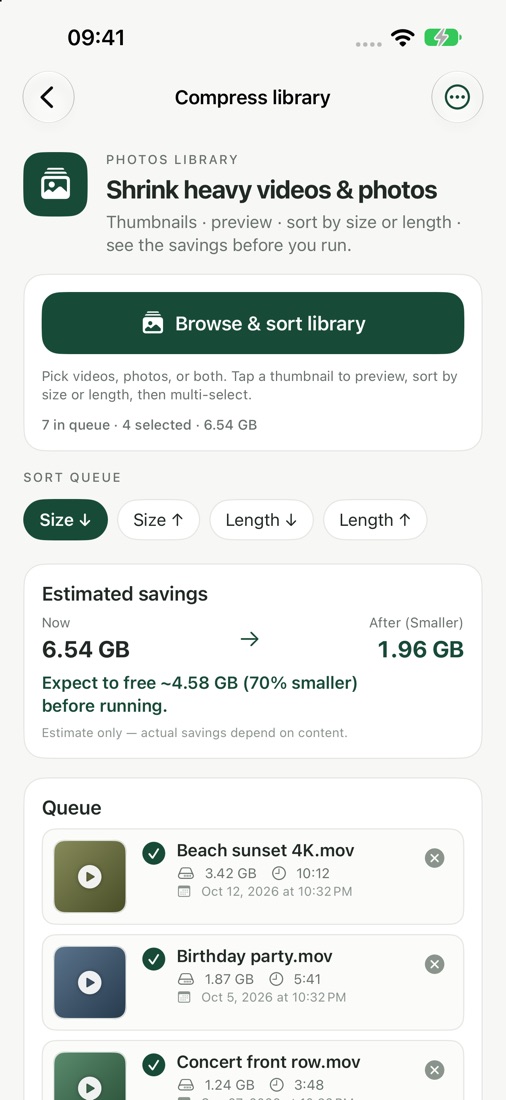
Browse your Photos library sorted by size, multi-select the heaviest clips, pick Balanced, Smaller or Smallest and compress with HEVC. Big 4K videos often shrink by 70–90%; save the smaller copies to Photos and, only if you confirm, delete the originals.
PDF toolkit
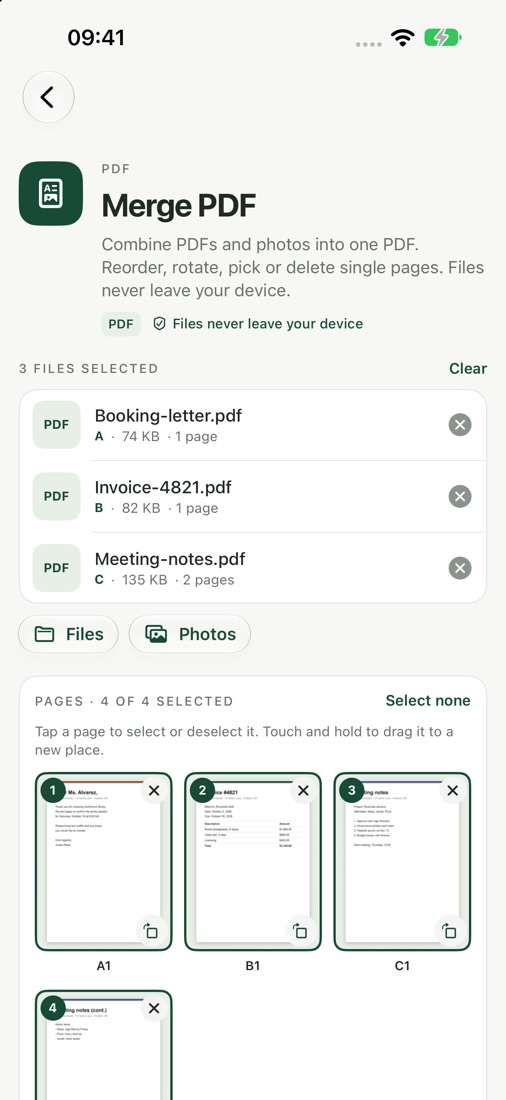
Merge, split, compress, rotate, crop, organize, delete or extract pages, add watermarks and page numbers, password-protect or unlock, sign, and turn images into a PDF.
Scan to PDF
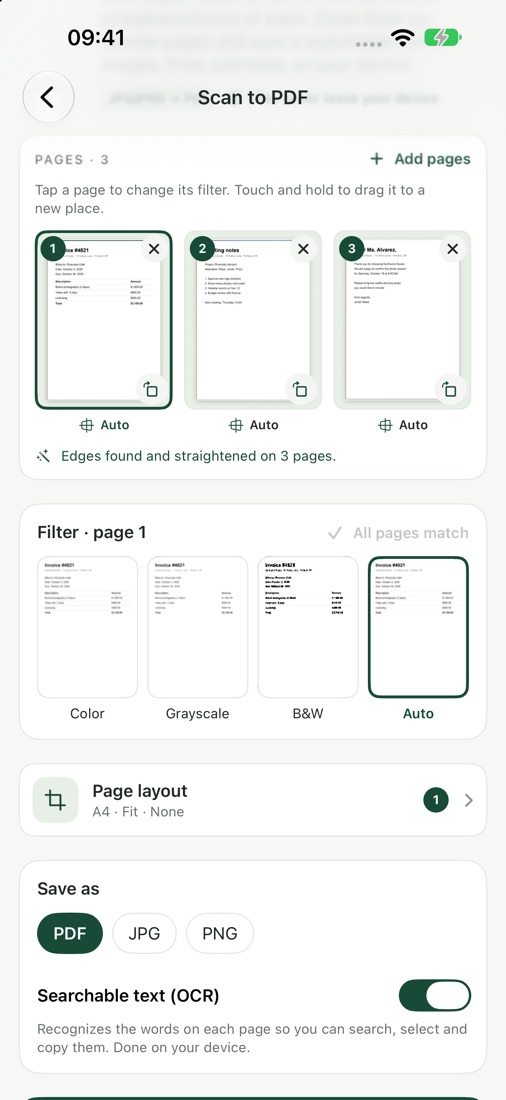
Point the camera at paper and get a searchable PDF. Text recognition (OCR) runs on your iPhone.
Archives
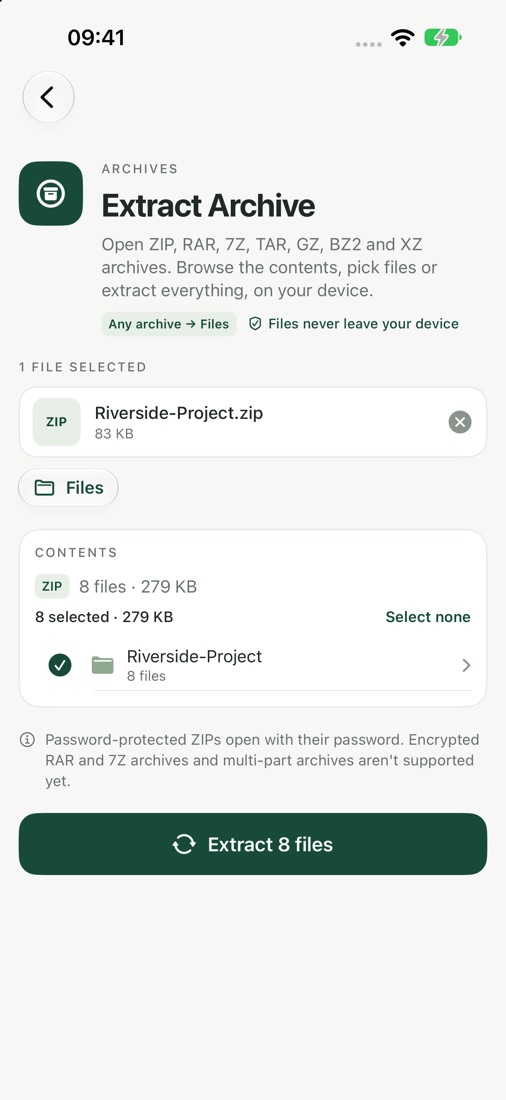
Extract ZIP, RAR, 7Z and TAR archives, and create ZIP or 7Z archives. Batch results can be exported together as one ZIP.
Images
Convert HEIC, JPG, PNG and WebP, resize and compress photos, one at a time or in a batch.
Office to PDF
Turn Word, Excel and PowerPoint documents into PDFs, and convert PDFs to and from text, Markdown, HTML and CSV.
Video & audio
Convert and compress video, turn MOV into MP4, trim clips, and convert audio or extract it as MP3, M4A or WAV.
QR codes
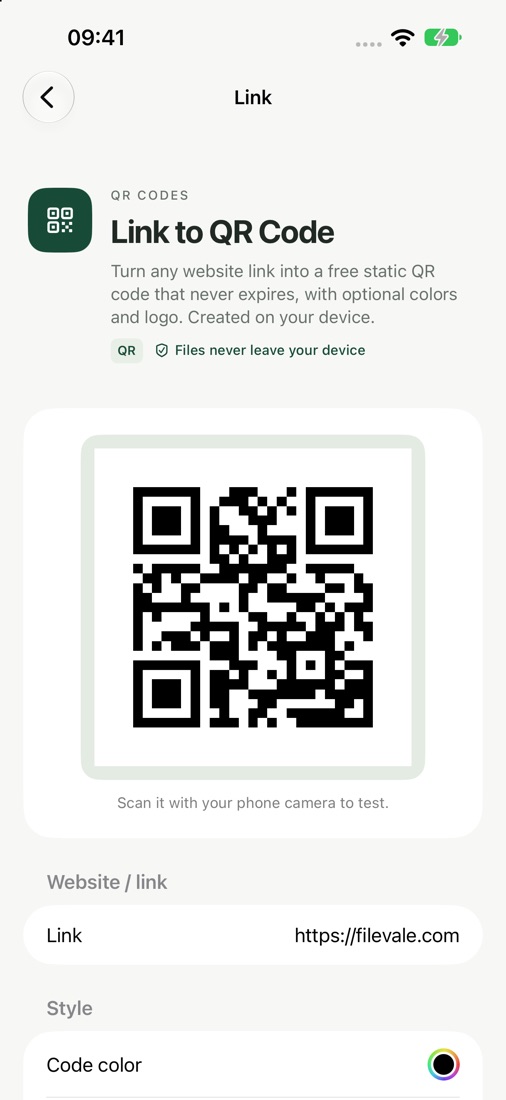
Create QR codes for links, Wi-Fi, contacts and more and export them as PNG, JPG or SVG, or scan a QR code with the camera.
Nothing leaves your iPhone, free
Every tool runs on-device. No account, no server, no upload, no ads and never a watermark. Optional Filevale Pro adds iCloud Vault and lifts the free limits.
See it in action
A look inside Filevale.
How it works
Pick a file
Choose videos or photos from your library, or open any file or document from Files.
Choose a tool
Compress a video, convert an image, edit a PDF, scan a document, extract an archive or make a QR code.
Save the result
Save to Photos or Files, share it, or export a whole batch as one ZIP, all done on your iPhone.
Filevale FAQ
Straight answers about price, devices and privacy.
What can Filevale do?
More than 100 on-device tools: merge, split, compress and sign PDFs and scan paper to searchable PDFs with OCR; extract ZIP, RAR, 7Z and TAR archives and create ZIP or 7Z; convert HEIC, JPG, PNG and WebP images; turn Word, Excel and PowerPoint files into PDFs; convert video and audio, including to MP3; create and scan QR codes; and compress large videos from your Photos library with HEVC.
Are my files uploaded anywhere?
No. Every tool runs on your iPhone: video compression uses Apple's AVFoundation and the HEVC codec, and document text recognition also runs on-device. There is no account, no server and no upload, and the App Store privacy label is Data Not Collected.
Is Filevale the same app as VidZip?
Yes. VidZip was renamed Filevale. It is the same app on the App Store with the same tools, so existing users just update it.
How much space can the video compressor save?
Large 4K clips often shrink by 70–90%. Filevale sorts your library by size, offers Balanced, Smaller and Smallest presets, and shows the before-and-after size of every video. Deleting an original is always optional and always confirmed by you.
Is Filevale free?
Yes, the converters and tools are free, with no ads, no account and never a watermark. Optional Filevale Pro adds iCloud Vault and lifts the free limits of the Private Vault, Privacy Cleanup and very large files.
Which devices does Filevale run on?
iPhone with iOS 26 or later.
How do I convert HEIC photos to JPG on iPhone?
Open Filevale, pick the image converter, choose your HEIC photos from Photos or Files and select JPG (PNG and WebP also work). The conversion runs on the iPhone, nothing is uploaded, and the JPGs can be saved back to Photos or shared.
How do I open a RAR or 7Z file on iPhone?
Open Filevale, pick the archive tool, choose the file from the Files app and extract it. Filevale opens ZIP, RAR, 7Z and TAR archives on the device and can also create ZIP or 7Z archives from your files.
How do I make a QR code on iPhone for free?
Use Filevale's QR code generator: paste a link (a website, a Google Form, a menu), or enter text, an email address, a phone number or an SMS, and save or share the code as an image. Filevale can also scan QR codes. It is free and adds no watermark.
How do I compress a video on iPhone to free up space or send it?
Open the video compressor, which lists your Photos library by size, select one or more large clips and choose Balanced, Smaller or Smallest. Filevale re-encodes them with HEVC on the device, shows the size before and after, and only deletes an original if you confirm.
How do I merge or sign PDFs on iPhone without uploading them?
Filevale merges, splits, compresses and signs PDFs on the iPhone, and scans paper into searchable PDFs with on-device OCR. No account and no upload are needed.
Is there a version for the computer?
Yes. Many of the same tools run in the browser at filevale.com, also without uploading your files.
Who makes Filevale?
Filevale is made by Sakura5, an independent app studio that builds focused, privacy-first apps for iPhone, iPad and Mac. Support: support@sakura5.app.
From the blog
Guides and tips related to Filevale.

iOS 27.3 Will Check Public iCloud Links: What to Use Instead
Apple will check items shared with Anyone with the Link from iOS 27.3. What Apple says, what is unconfirmed, open questions, and private ways to share files.

Apple Will Check Public iCloud Links: Keep Your Photos Private
From iOS 27.3, Apple checks photos and files shared by public iCloud link, can disable accounts and doesn't define harmful. A privacy checklist for iPhone.
Ready when you are
Get Filevale on your iPhone today.
Download on the App StoreUse it in your browser: filevale.com
Support · Privacy · Terms · More Sakura5 apps