How Accurate Are AI Calorie Counting Apps, Really?
An honest look at photo calorie counter accuracy: what AI can see, what it can't, and when estimates are good enough. Read before you trust any number.
Short answer: AI calorie counting apps are good at identifying what you are eating and producing a reasonable ballpark, and bad at seeing things that are physically invisible in a photo — oil absorbed during cooking, sugar stirred into a sauce, or how much butter went into the pan. If you expect a photo scanner to be a lab instrument, you will be disappointed. If you use it as a fast awareness tool, it is genuinely useful.
Here is the part most articles skip: every calorie counting method carries real error, including the ones people assume are precise. Manual logging depends on you guessing portion sizes and picking the right database entry. Even printed nutrition labels are legally allowed a meaningful margin of error in most countries. Perfect calorie numbers basically do not exist outside a laboratory.
So the honest question is not "is photo AI accurate?" but "is it accurate enough for what I am trying to do?" Let's break that down.
What photo AI can actually see
A photo carries a lot of usable signal. From a single image, a well-built scanner can typically work out:
- Food identity. Grilled chicken versus fried chicken, white rice versus brown rice, a burger versus a wrap. This is where image models are strongest, and identity drives most of the calorie math.
- Rough portion size. Using the plate, cutlery, and other visual cues as reference, AI can estimate whether that is a small or generous serving.
- Meal composition. The ratio of protein to starch to vegetables on the plate, which feeds macro estimates for protein, carbs, and fat.
- Preparation clues. A glossy sheen suggests oil, breading suggests frying, char marks suggest grilling.
When you scan a meal with Calovia, the AI uses these cues to estimate calories, protein, carbs, fat, fiber, and sugar, plus a simple health score — a snapshot, not a verdict.
What no photo can see
Be equally clear-eyed about the blind spots. No image model, however smart, can see:
- Cooking oil that has been absorbed. A stir-fry made with one tablespoon of oil versus three looks nearly identical but differs by hundreds of calories.
- Hidden sugar. Sweetened dressings, glazes, and marinades do not photograph differently from unsweetened ones.
- Sauce density and ingredients. A cream-based sauce and a tomato-based one can look similar under restaurant lighting, and their calorie profiles are worlds apart.
- What is underneath. Rice hiding under curry, cheese melted inside a sandwich, butter folded into mashed potatoes.
Good AI makes sensible assumptions about these — typical oil use, typical recipes — which is exactly why the output is an estimate.
Manual logging and labels have error bars too
This is the context that makes photo estimates look much better. When you log food by hand, you are usually eyeballing that your chicken breast is "about 150 grams" and choosing one entry from dozens of near-duplicates in a food database, many of them user-submitted and unverified. Restaurant meals rarely match any database entry at all. And packaged foods with printed labels are permitted rounding and tolerance margins by regulators — the label is itself an estimate.
None of this means tracking is pointless. It means the gap between "AI photo estimate" and "careful manual log" is far smaller than most people assume, while the effort gap is enormous.
When photo estimates are good enough — and when they are not
Photo-based estimates work well when your goal is awareness and trends: noticing that your lunches run heavier than you thought, comparing two menu options, seeing whether your protein is chronically low, or building a general sense of what 600 calories looks like on a plate. Consistent rough numbers, reviewed over weeks, tell you a lot.
They are not appropriate when you need clinical precision. If you manage diabetes, take medication dosed against carbohydrate intake, have a history of disordered eating, or follow a medically supervised diet, do not run those decisions off any app estimate — photo-based or manual. Calovia's numbers are for awareness, not medical advice; work with a doctor or registered dietitian for anything health-critical.
How to get better estimates from any photo scanner
- Shoot from a slight angle, not directly overhead. A 45-degree angle shows food height and depth, which helps portion estimation.
- Include the whole plate and some context. Cutlery, the plate rim, or your hand in frame gives the AI scale references.
- Capture everything you are eating. Sides, bread, dressing cups, and drinks are calories too — get them in the shot or scan them separately.
- Scan before you start eating. A half-eaten plate is much harder to estimate.
- Use decent light. Dim restaurant lighting hides the visual cues the model relies on.
If you eat out often, our guide to estimating calories in restaurant meals pairs well with these tips.
FAQ
Are AI calorie counters more accurate than logging food manually?
They are closer than most people expect. Manual logging depends on portion guesses and imperfect database entries, so it carries substantial error of its own; photo AI trades a little precision for far less effort, which usually means more consistent tracking overall.
Can a photo app detect hidden oil or sugar in my food?
No. Absorbed cooking oil, dissolved sugar, and sauce ingredients are not visible in an image, so AI estimates them from typical recipes — one of the main reasons photo results should be treated as ballpark figures rather than exact counts.
Should I use a photo calorie counter if I have a medical condition?
Not as your primary tool. App estimates — from Calovia or any tracker — are for general awareness and are not medical advice; if you manage diabetes or another condition where intake numbers matter clinically, consult a doctor or registered dietitian.
Snap a photo of any meal — get calories and macros in seconds.
Calovia — Take a photo of a meal and Calovia estimates calories, protein, carbs, fat, and a simple health score — no manual logging, no searching a food database.
Download Caloviafree on the App StoreKeep reading
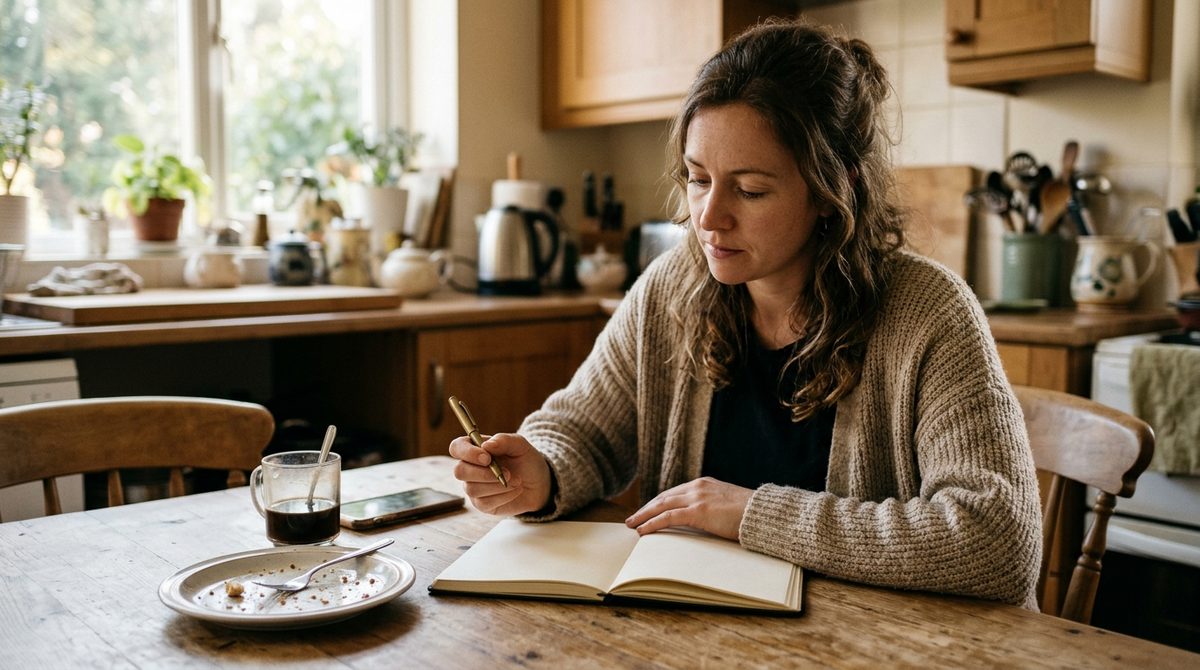
Food Diary With Photos: The Low-Effort Way to Track Meals
A food diary with photos takes seconds per meal and shows patterns a written log misses. Compare four methods and set one up that lasts beyond week two.

How Much Fiber Per Day Do You Need? Targets and Easy Wins
How much fiber per day you need by age and sex, what 30 grams looks like on a real plate, and how to add more without bloating. Simple, sourced, practical.
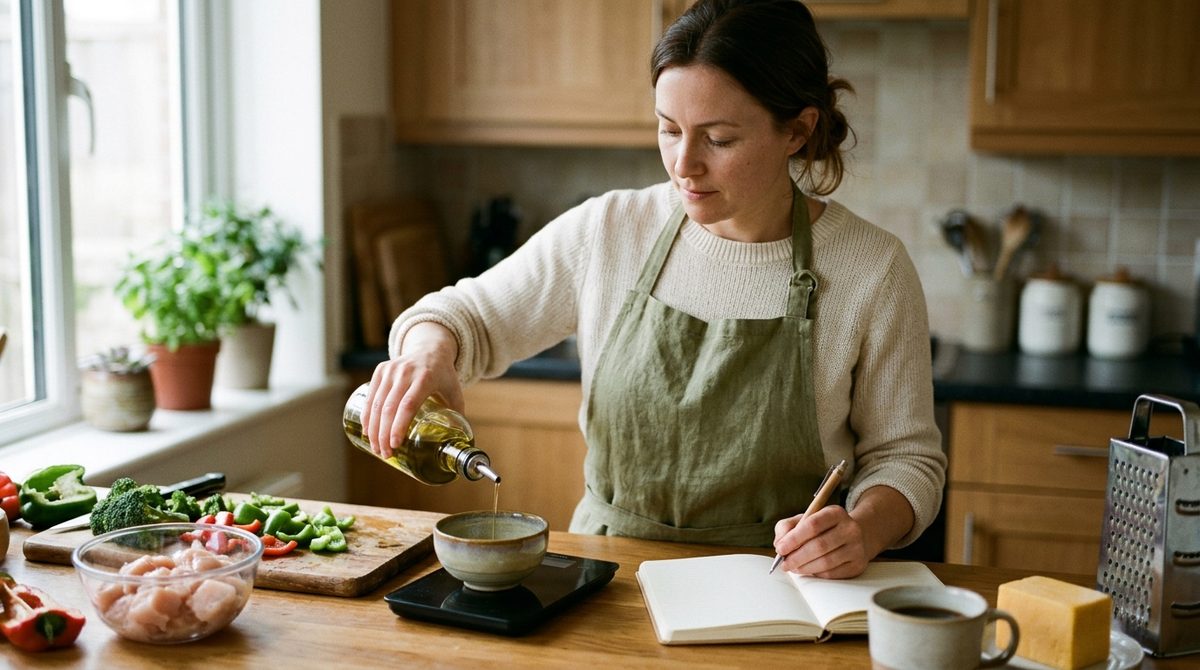
How to Count Calories in Homemade Food: The Recipe Method
How to count calories in homemade food: weigh raw ingredients, weigh the finished pot, divide by your portion. A worked chili example plus a faster photo option.