Food Diary With Photos: The Low-Effort Way to Track Meals
A food diary with photos takes seconds per meal and shows patterns a written log misses. Compare four methods and set one up that lasts beyond week two.
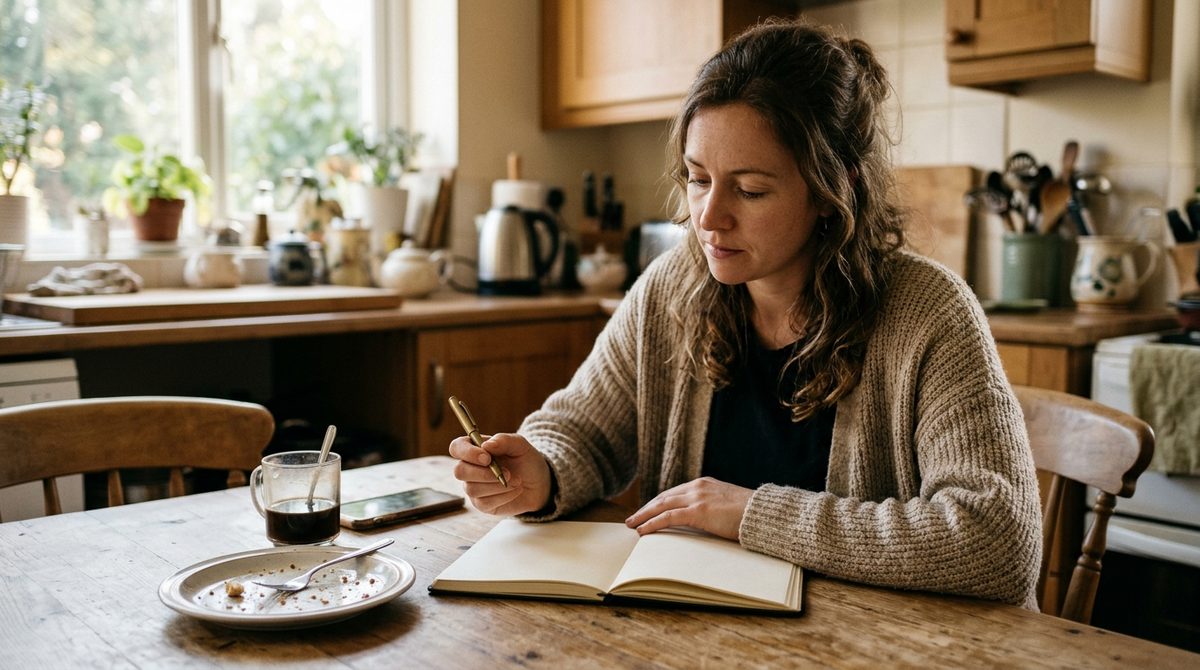
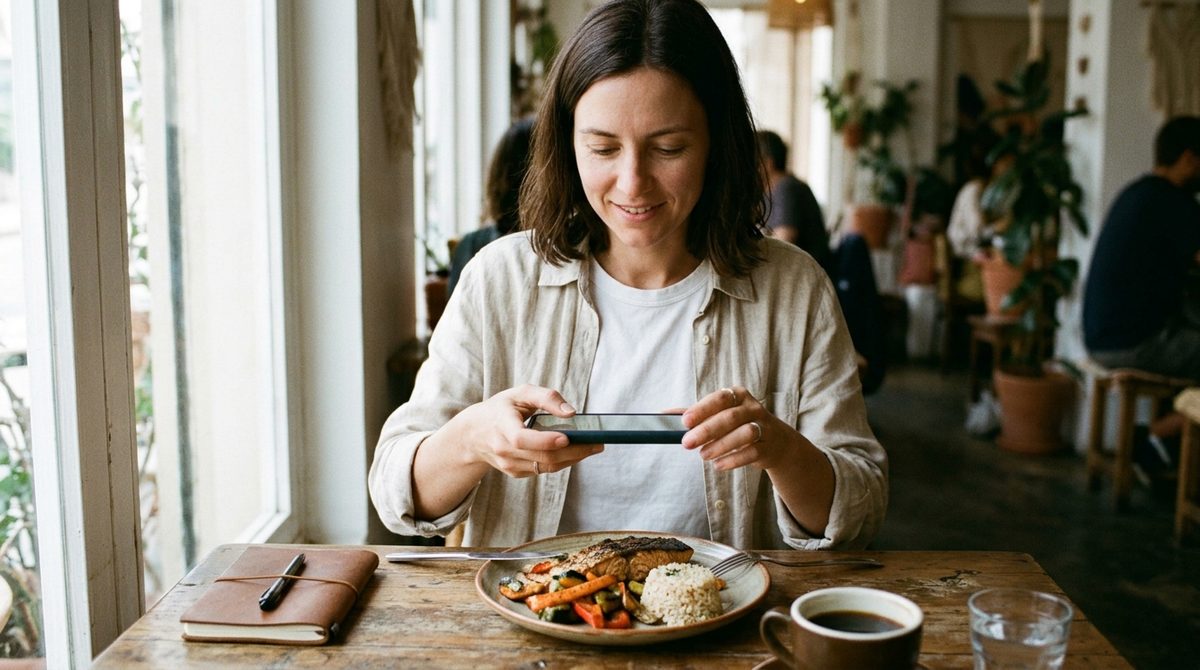
A food diary with photos means you take a picture of everything you eat instead of writing it down, then review the pictures later to spot patterns. It is the lowest-effort way to keep a food diary that most people will actually stick with, because snapping a photo takes two seconds and needs no searching, typing, or weighing.
A photo on its own tells you what you ate and roughly how much. It does not tell you the calories or protein unless something turns the picture into numbers. That is the main decision when you set one up: a plain photo journal, a written diary, a database calorie tracker, or a photo diary that also estimates nutrition.
This guide compares those four approaches honestly, shows how to set up a photo food diary that lasts, and walks through one real week of using it.
Four ways to keep a food diary, compared
A written or notes-app diary
You write what you ate and when, maybe with a note on hunger or mood. It is flexible and free, and it is good for capturing context, such as "ate standing at the counter" or "snacked because I was bored." The weakness is detail: "pasta" says nothing about the portion, and most people's entries get vaguer by the second week.
A database calorie tracker
You search for each food, pick an entry, and enter a weight or serving. Done carefully, it produces the most detailed numbers. It also has the highest cost per meal, and it struggles with homemade and restaurant food that does not match any entry. That friction is why so many people log diligently for a couple of weeks and then stop, as we describe in our guide to calorie counting without logging every meal.
A plain photo journal
You photograph every meal and snack, and that is it. Your camera roll or a dedicated album becomes the diary. It is fast and honest, because a photo does not round down a portion the way memory does. But you get no numbers, and reviewing a hundred photos at the end of the week is tedious.
A photo diary that estimates nutrition
You take the same photo, and an app estimates what is on the plate. With Calovia, a meal photo returns estimated calories, protein, carbs, fat, fiber, and sugar, plus a simple health score, and your recent scans are kept in the app so you can scroll back through the week. You keep the speed of the photo journal and get rough numbers without searching a database. The trade-off is that the numbers are AI estimates, not measurements.
Which one fits your goal
- You want to notice patterns (late-night snacking, skipped breakfasts, how often you eat out): a plain photo journal or a photo diary with estimates is enough.
- You want a rough sense of calories and protein: a photo diary with nutrition estimates gives you that in seconds per meal.
- You need precise numbers for a medically supervised plan or a dietitian's protocol: use the method your clinician recommends, which usually means weighing and logging.
- You want to link food with symptoms or mood: combine photos with a short written note, because a photo cannot capture how you felt afterwards.
There is no single best food diary. The best one is the one you will still be using in a month, and for most people that is whichever has the least friction at the moment of eating.
How to set up a food diary with photos that lasts
1. Decide what counts
Photograph everything you eat or drink that is not water: meals, snacks, the handful of crisps from the cupboard, the latte, the glass of wine. The diary is only useful if it is complete enough to show patterns. Drinks are the most commonly forgotten item, and the CDC's Rethink Your Drink guide shows how quickly sugary ones add up.
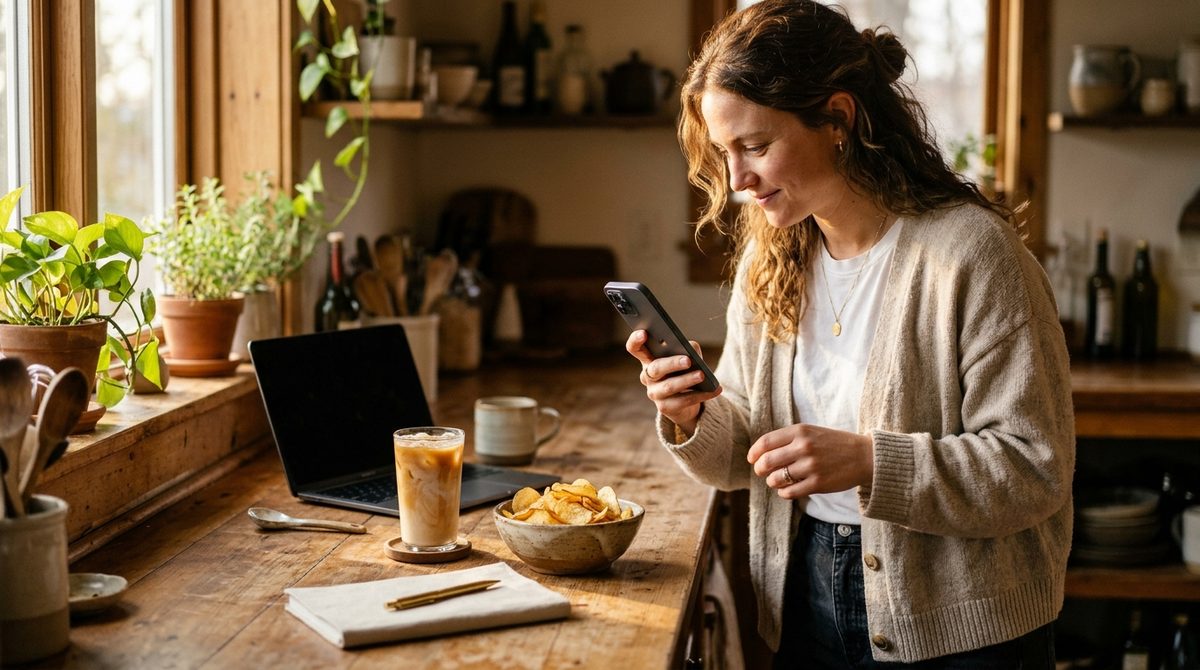
2. Shoot before the first bite
A full plate is far easier to read than a half-eaten one, for you and for an AI. Make the photo part of sitting down, the same way you pick up a fork.
3. Take a useful photo
Get the whole plate in frame, include sides and sauces, and shoot from a slight angle rather than straight down so the height of the food is visible. Decent light helps. If you have seconds, photograph the second plate too.
4. Add a few words when it matters
One line is enough: "very hungry," "ate at desk," "shared dessert." This is the context that a photo cannot carry and that often explains the pattern you find later.
5. Review once a week
Set ten minutes on the same day each week to scroll back. Look for one or two patterns, not a verdict on every meal. Then pick one small change for the next week.
A week with a photo food diary: a worked example
Take Minh, who works in an office, cooks dinner most nights, and wants to understand why he feels sluggish in the afternoons. He uses Calovia to photograph everything for seven days and adds a word or two of context when something feels notable.
On Sunday he scrolls back through the week's scans. A few things stand out right away:
- Breakfast is mostly a pastry and coffee. The estimates show these breakfasts are low in protein and fiber, and on most of those days he has a large snack around 11 a.m.
- Lunches vary a lot. The two days he brought leftovers came in noticeably lighter and higher in protein than the three days he bought a sandwich, crisps, and a sweet drink.
- Dinners are fine. Home-cooked plates look balanced, with a good share of vegetables. Nothing to change.
He picks one change: swap the pastry for something with more protein on weekdays. He does not count totals or set a calorie target. The following Sunday he checks whether the 11 a.m. snack is still happening. That is the whole loop: photograph, review, adjust one thing.
Notice that none of this required precise numbers. The estimates were useful because they were consistent, and the photos made the pattern obvious in a way a vague written diary would not have.
Where photo diaries fall short
Being honest about the limits keeps the diary useful:
- Hidden ingredients are invisible. Oil absorbed into a stir-fry, sugar in a sauce, and butter in mashed potatoes do not show up in a picture. Any estimate assumes typical preparation. Our article on how accurate AI calorie apps really are covers this in detail.
- Opaque containers hide the contents. A takeaway coffee cup or a covered bowl gives the AI little to work with. Take the lid off if you can, or add a short note.
- Grazing is hard to photograph. Ten small bites from a shared platter are easy to miss. If grazing is your pattern, a written note at the end of the evening is more realistic than ten photos.
- It is not a medical record. Calovia's numbers are estimates for everyday awareness, not clinical nutrition advice. If you manage a condition where intake matters, follow your clinician's method.
A note on privacy, since a food diary is personal: in Calovia, a photo you choose is sent to the AI only to analyze that meal and is then discarded. It is not stored, sold, or used for tracking. Your recent scans stay in the app so you can look back.
FAQ
Is a photo food diary as good as writing everything down?
For spotting patterns, it is often better, because a photo records the real portion and takes seconds, so people keep it up longer. A written diary captures context like hunger and mood more easily. Many people get the best of both by taking a photo and adding one short note.
What is the best food diary app with photos?
It depends on what you want from it. If you only want a visual record, a dedicated album in your camera roll works. If you also want rough calories and macros without searching a database, a photo-based app like Calovia estimates nutrition from each picture and keeps your recent scans.
How long should I keep a food diary?
One to two weeks is usually enough to reveal your main patterns, such as skipped meals, heavy lunches, or frequent snacks. After that, many people switch to a lighter habit, like photographing only the meals they are unsure about, and do another full week whenever they want a fresh check.
Can a photo food diary count calories accurately?
It gives estimates, not exact counts. AI can recognize foods and judge portions from a photo, but it cannot see hidden oil, sugar, or ingredients inside a dish. For general awareness the estimates are useful; for clinical precision, weigh and log under professional guidance.
Snap a photo of any meal — get calories and macros in seconds.
Calovia — Take a photo of a meal and Calovia estimates calories, protein, carbs, fat, and a simple health score — no manual logging, no searching a food database.
Download Caloviafree on the App StoreKeep reading
How Much Fiber Per Day Do You Need? Targets and Easy Wins
How much fiber per day you need by age and sex, what 30 grams looks like on a real plate, and how to add more without bloating. Simple, sourced, practical.
How to Count Calories in Homemade Food: The Recipe Method
How to count calories in homemade food: weigh raw ingredients, weigh the finished pot, divide by your portion. A worked chili example plus a faster photo option.
How to Track Calories While Traveling: A Photo-First Routine
How to track calories while traveling: a photo-first routine that takes seconds per meal, handles buffets and street food, and keeps your holiday enjoyable.