Take back your focus
NoSocial is an app blocker for iPhone that uses Apple's Screen Time to block distracting social and other apps on a schedule you choose. It's made for anyone who loses hours to social media and wants protected time for work, study or sleep, on iPhone. NoSocial is free to download; blocking is unlocked with NoSocial Pro, an auto-renewable monthly subscription billed through your Apple ID.
NoSocial blocks the apps that hijack your attention, on your own schedule — so your time goes where you actually want it.
Download on the App Storefree to tryiPhone · Powered by Apple Screen Time · Private on-device
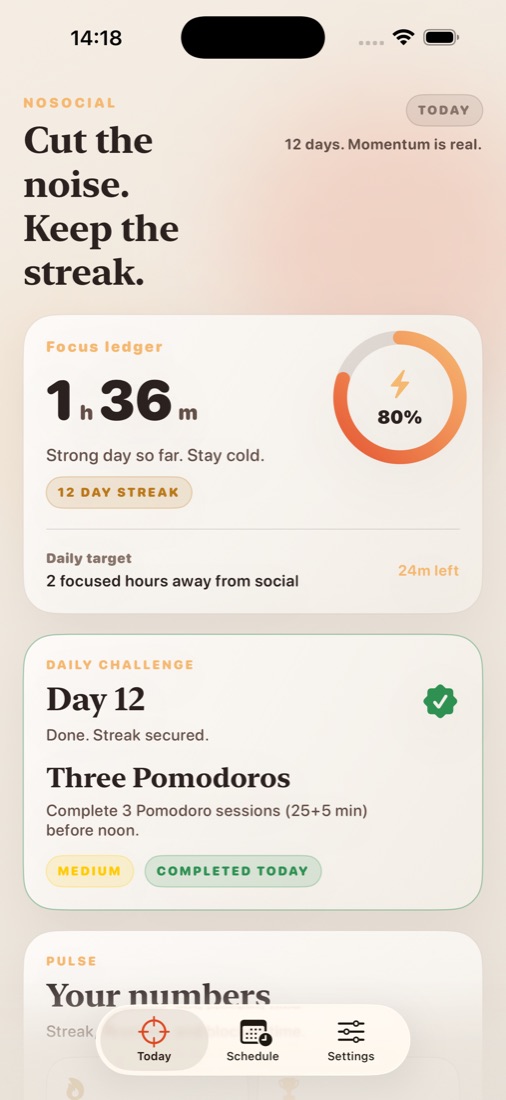
What it does
Everything you need, nothing you don't.
Block the noise
Choose the social and distracting apps to block, and they stay out of reach until you're done.
On your schedule
Set focus windows for work, study, or sleep — blocking turns on automatically.
Build a streak
See the time you reclaim and keep a daily streak going. Gentle, never shaming.
Private by design
Usage is read on-device via Apple's Screen Time. It never leaves your phone.
How it works
Pick apps
Select the apps that eat your time.
Set a schedule
Choose when they should be blocked.
Stay focused
Get your attention — and your hours — back.
NoSocial FAQ
Straight answers about price, devices and privacy.
How does NoSocial block apps?
You pick the apps that eat your time and set focus windows for work, study or sleep. NoSocial uses Apple's Screen Time framework, so blocking is enforced by iOS itself and switches on automatically on your schedule.
Is my Screen Time data private?
Yes. App usage is read on-device through Apple's Screen Time API to power blocking and stats. It stays on your iPhone — Sakura5 never receives it.
How much does NoSocial cost?
The app is free to download. Blocking requires NoSocial Pro, an auto-renewable monthly subscription billed through your Apple ID; the App Store shows the current price in your currency before you confirm, and you can cancel any time in Settings → your name → Subscriptions.
Does NoSocial shame me when I slip?
No. It shows the time you reclaimed and keeps a daily streak, and the tone is deliberately gentle.
Who makes NoSocial?
NoSocial is made by Sakura5, an independent app studio that builds focused, privacy-first apps for iPhone, iPad and Mac. Support: support@sakura5.app.
From the blog
Guides and tips related to NoSocial.

How to Block Apps at Certain Times on iPhone
How to block apps at certain times on iPhone with Downtime or a scheduled app blocker, plus three ready-made weekly schedules for work, study and family.

How to Block Instagram on iPhone (App and Safari)
How to block Instagram on iPhone with Screen Time or a scheduled app blocker, plus how to block instagram.com in Safari so the browser isn't a back door.
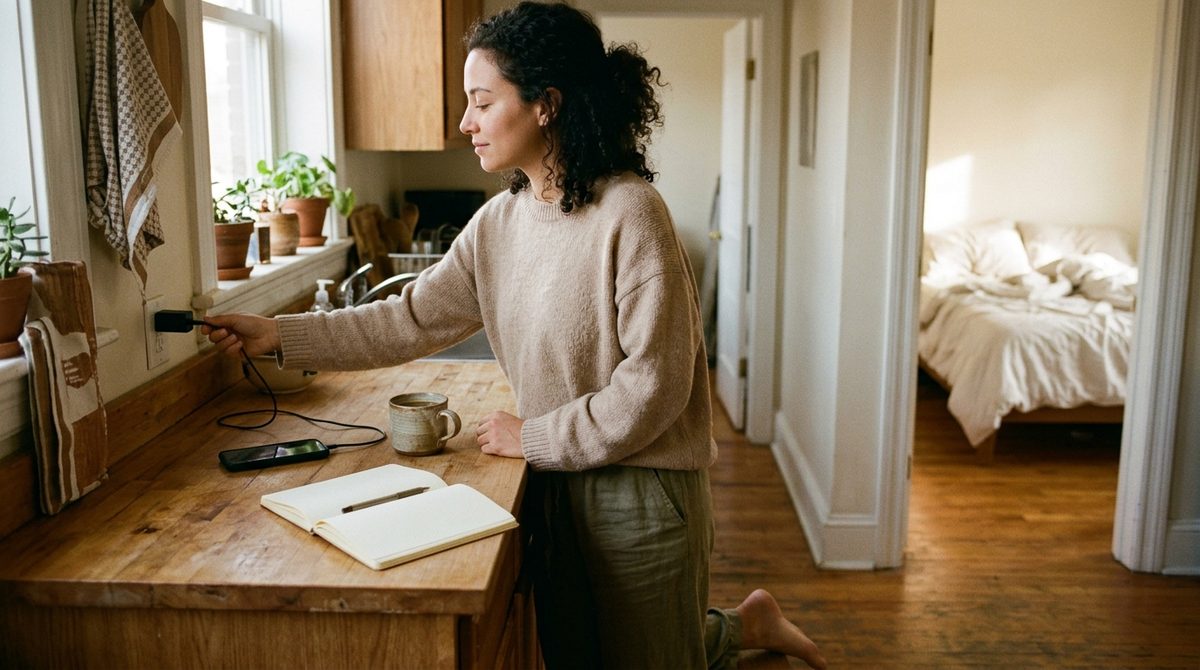
How to Stop Using Your Phone in the Morning
How to stop using your phone in the morning: move it out of the bedroom, block tempting apps until a set time, and plan a first hour you actually want.

How to Stop Using Your Phone While Studying
How to stop using your phone while studying: block distracting apps for each session, keep study tools open, and follow a worked exam-week plan.

Does iPhone Focus Mode Block Apps? What It Really Does
iPhone Focus mode silences notifications but doesn't block apps. Here's how Focus, Screen Time and an app blocker compare, and how to combine them.

How to Stay Focused Without Your Phone Pulling You Away
Practical focus strategies that work when willpower doesn't: environment design, pre-session blocking, and habit loops that make deep work the default.
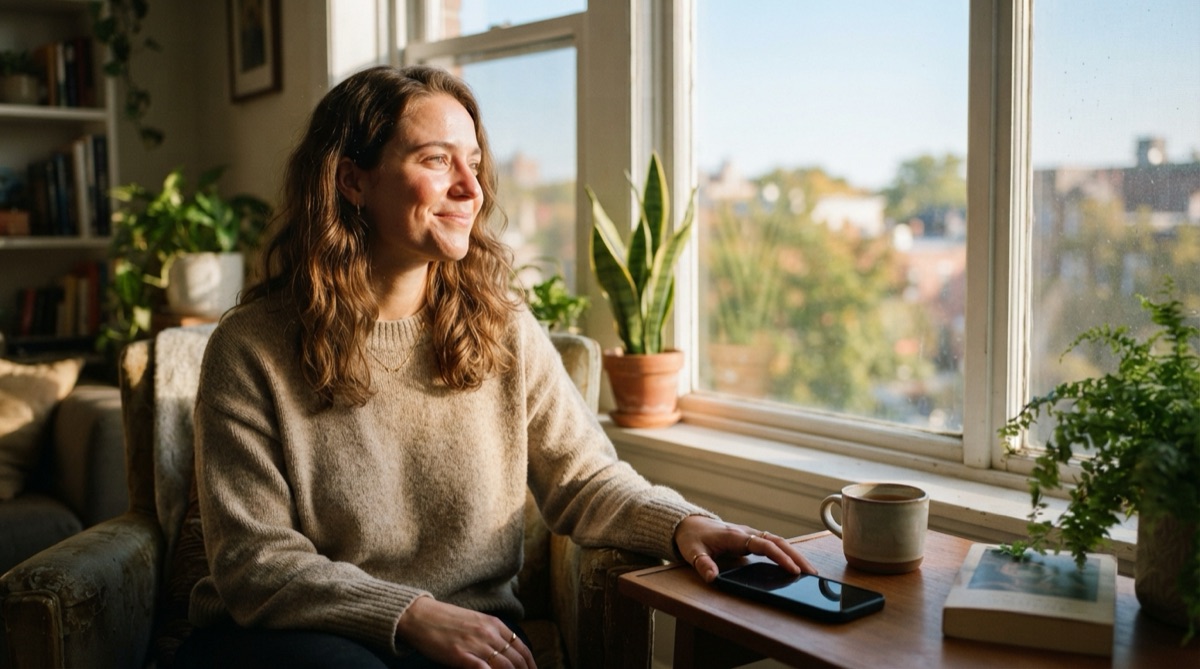
Signs of Phone Addiction and How to Break the Habit
Honest signs that your phone use has crossed into compulsive territory — and the friction-based techniques that actually interrupt the cycle.
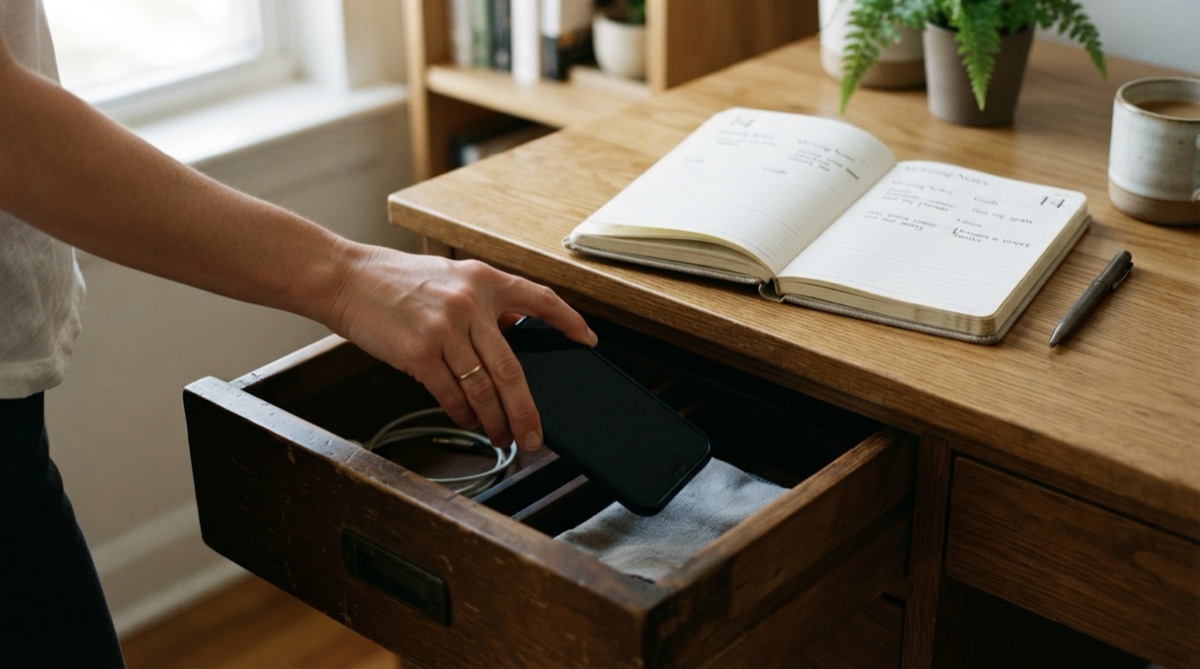
How to Reduce Screen Time on iPhone — What Actually Works
Skip the willpower lectures. Here's what actually reduces iPhone screen time: which built-in tools help, which ones fail, and how scheduling beats trying.
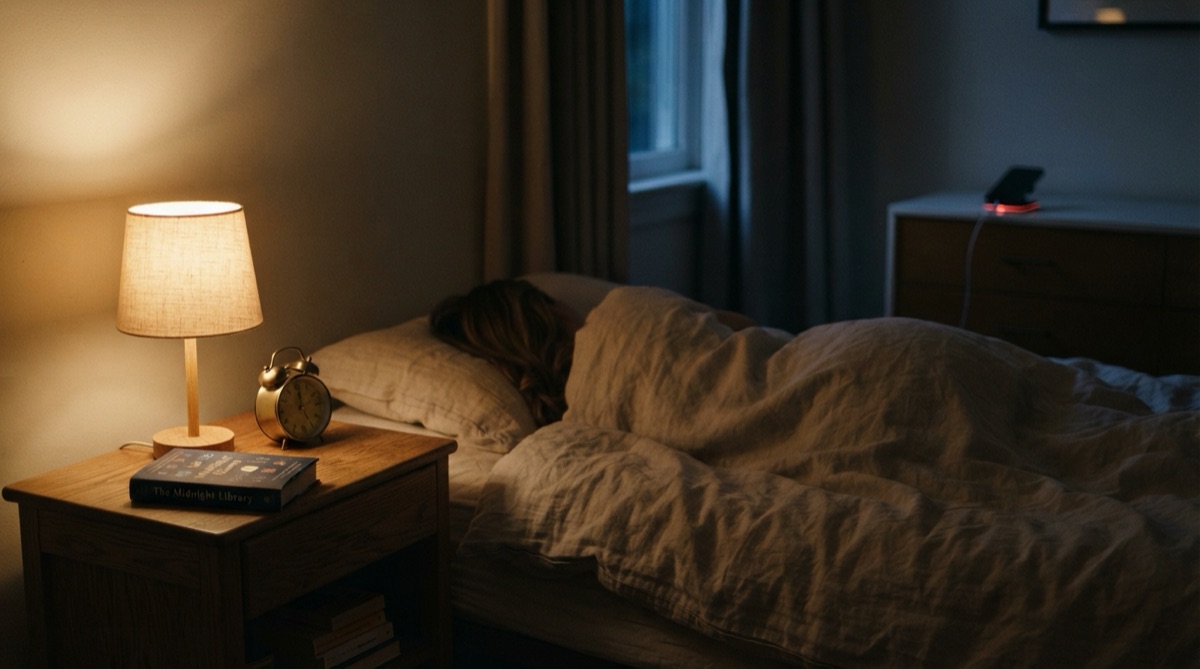
Phone Before Bed: Why It Wrecks Sleep and How to Stop
Using your phone before bed sabotages sleep in ways blue light alone can't explain. Here's what's really going on and how to break the nighttime scroll.
How to Stop Doomscrolling: Break the Infinite Feed Loop
How to stop doomscrolling: why infinite feeds hook your attention, the friction tactics that actually break the loop, and what to put in its place.
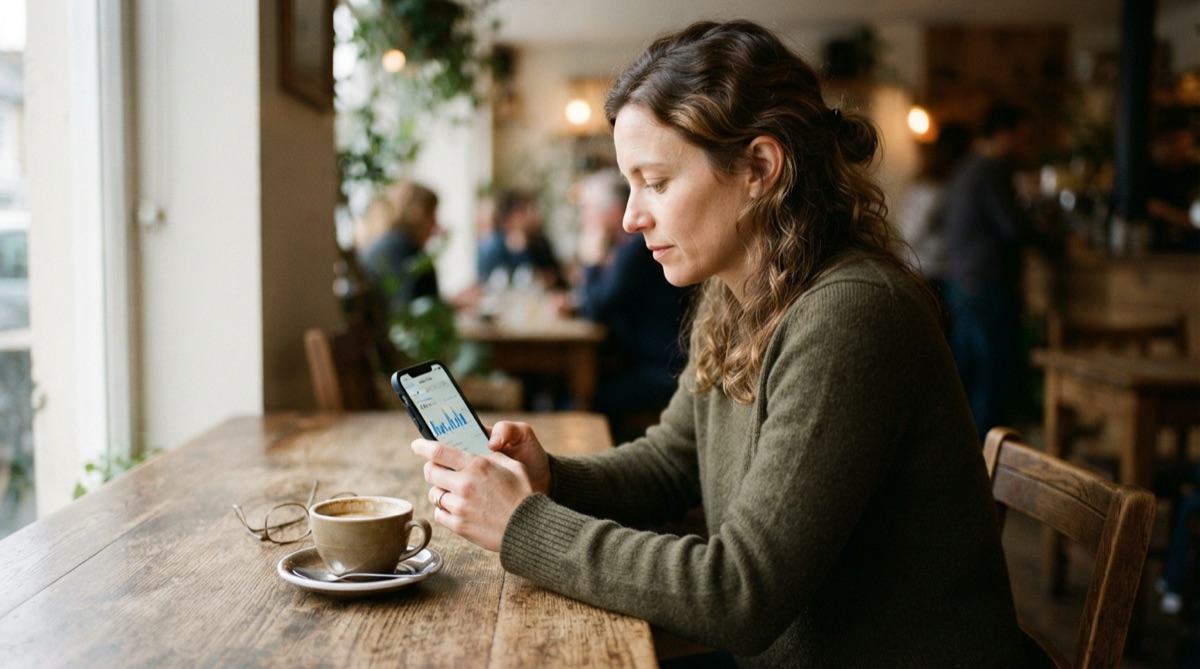
Average Screen Time: How Much Is Too Much?
What's the average screen time, how do you compare, and how much is actually too much? An honest look past the scary numbers to what really matters.
7-Day Digital Detox Plan to Reduce Screen Time
A realistic 7-day digital detox plan to reduce screen time without quitting cold turkey — one small step per day, plus where an app blocker fits in.

How to Focus Better: A Deep Work Guide for a Distracted Brain
Learn how to focus better with deep work blocks, environment design, and pre-session app blocking — practical tactics that beat raw willpower.
How to Block Social Media Apps on iPhone: What Works
How to block social media apps on iPhone with Screen Time, why its limits are so easy to bypass, and how a dedicated blocker actually holds the line.

Dopamine Detox: What It Really Is and How to Do One
A dopamine detox won't reset your brain chemistry — but the real version fixes something more useful. Here's what actually works and how to try it.

iPhone Screen Time for Families: A Parent's Setup Guide
Set up iPhone Screen Time for your kids the right way — Family Sharing, age-appropriate limits, and the honest gaps parents should know about.
Ready when you are
Get NoSocial on your iPhone today.
Download on the App StoreSupport · Privacy · Terms · More Sakura5 apps